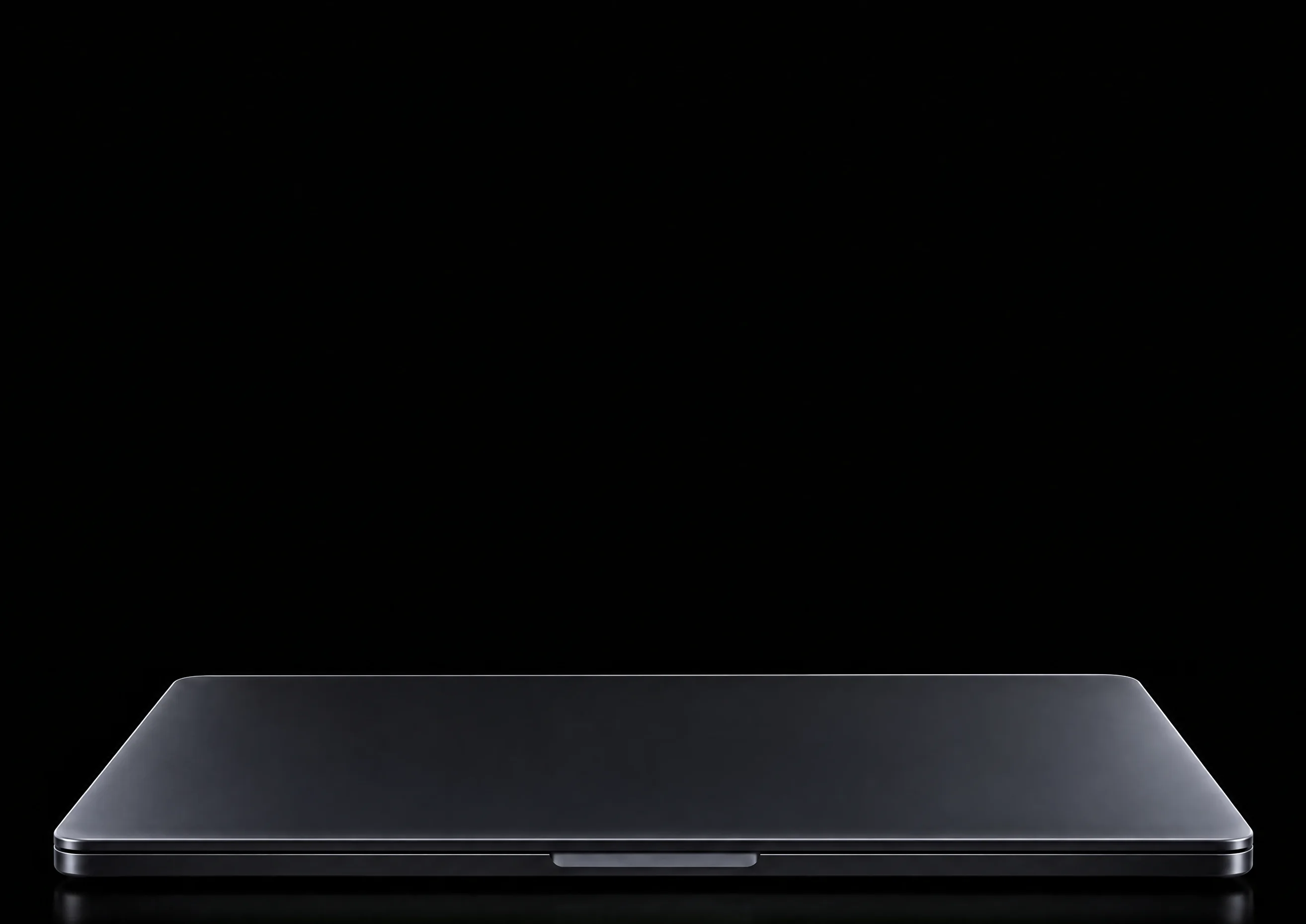
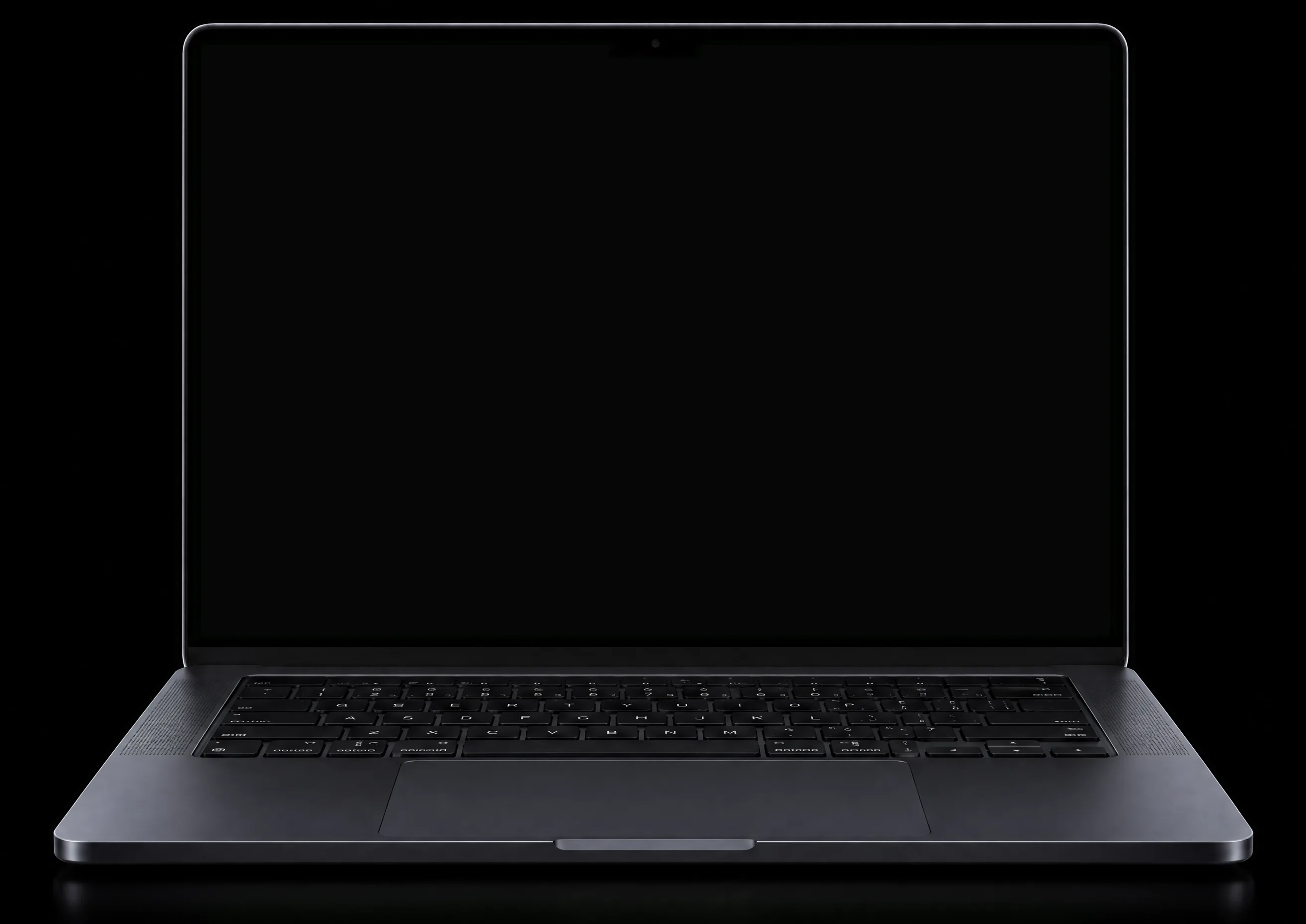
Your music, even when it’s locked.
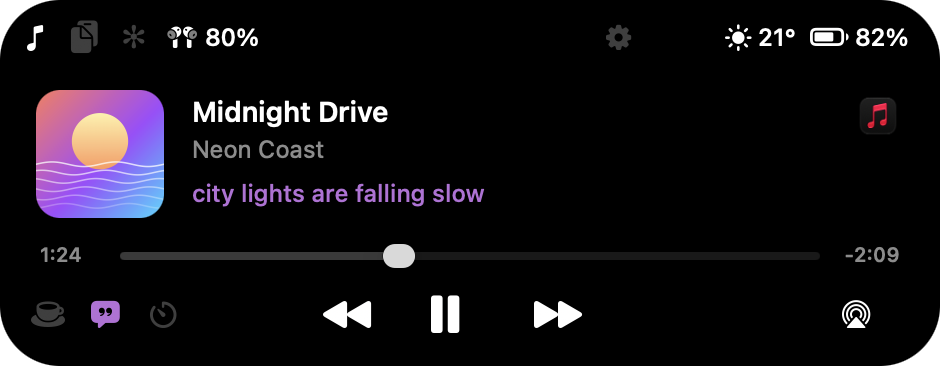
Lock your Mac and Island keeps the song on the lock screen, with controls and the lyric line.
Tap it. It takes over.
The cover becomes a full-screen player, melting into a slow, glowing backdrop.
And it moves with the music.
Press play and the colours pulse with every beat. Turn the sound on and watch.
Lyrics that follow along.
The art slides aside and the words scroll with the song, line by line.
Unlock. It lives in the notch.
Your song moves up to the island, right where the camera is.
Hover the notch. It opens.
Music, lyrics and controls grow out of the notch, and tuck back in a second after you move away.
Lyrics, right under the notch.
Move away and the current line stays just below the camera, following the song.
Your agents never
wait on you again.
Step away while an agent works. The moment it needs your permission or finishes, the notch tells you, whatever app or Space you’re in.
How long do your agents wait for you?
Every permission prompt you don’t notice is time the agent sits idle. Try your own numbers.
of agent time a week spent waiting on you. With Island, you see the prompt the moment it appears.
Estimate based on the numbers you enter, over a 5-day week. Your results depend on how you work.
That black strip at the top of your screen? Now it plays your music, watches your agents, remembers what you copied, and gets out of the way the moment you move on.
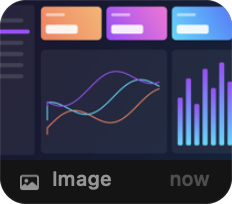
Know when your agent needs you.
Claude Code, Codex and Cursor sessions show up in the notch while they work. When one is waiting for permission, the island tells you.
Everything you copied today.
Press ⌃⌘V for text, links, images and files. Pin what you reuse, search the rest, and paste with ⌘1 to ⌘9.
Take it. Drag it. Drop it.
A new screenshot or a finished download shows up in the island. Drag it straight into a message or any app.
And the little things.
A timer in the notch, keep-awake, camera and mic lights, volume and Focus, AirPods battery and your Mac’s battery.
Thoughtful down to the last pixel.
Go on, hover it.
This is Island’s own player, opening on the same spring the app uses.
Light as air.
Native AppKit. No web views, no Electron.
Your clipboard, a keystroke away.
Bouncy, smooth or still.
Pick how the island moves. It follows your Reduce Motion setting too. Hover to compare.
Out of your way in full screen.
Watching a film or presenting? The island steps aside, and comes back when you do.
No account. No tracking.
Your clipboard and screenshots never leave your Mac. There’s nothing to sign up for.
No notch? It floats.
Macs and monitors without a notch get a floating capsule, sized like iPhone’s. A timer or an agent running while a song plays? The song splits off into its own circle. Hover to open it.


Tech Specs
- Memory
- About 26 MBMeasured on an M3 MacBook Pro with music playing.
- Requirements
- macOS 14 Sonoma or laterApple silicon and Intel. Macs and monitors without a notch get a floating capsule.
- Music
- Spotify, Apple Music and browsersSynced lyrics from LRCLIB when a song has them.
- AI agents
- Claude Code, Codex and CursorConnect each from Island’s Settings in one click.
- Shortcuts
- ⌃⌘VClipboard history from anywhere. ⌘1 to ⌘9 to paste.
- License
- One payment, two MacsEvery 1.x update. Move it with Deactivate This Mac.
- Free trial
- 30 minutes, every featureNo account and no card needed.
Island
$9.99. Once.
₹349 in India, including GST. Pay with UPI.
Use it on 2 Macs. Every 1.x update included. All sales are final, so try it free for 30 minutes first. Your license key arrives by email. Prices outside India are before local tax, added at checkout by Dodo Payments: cards, Apple Pay, Google Pay and UPI.